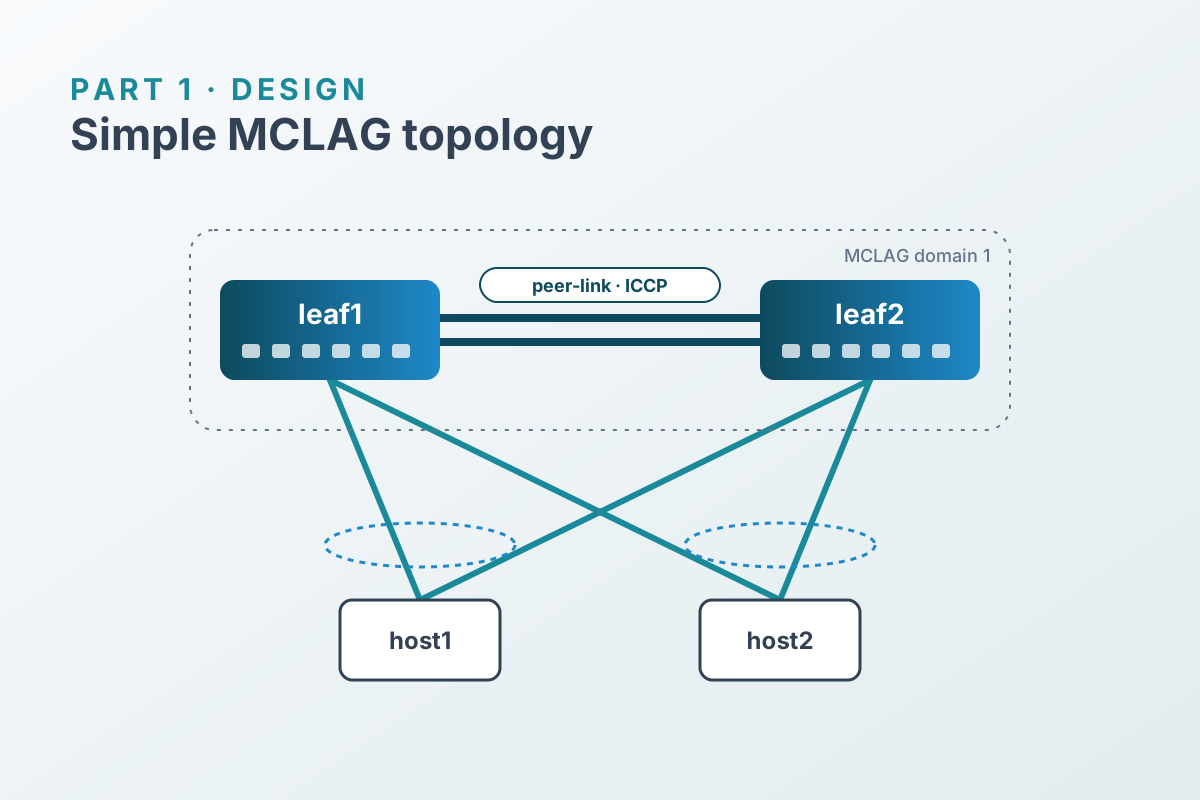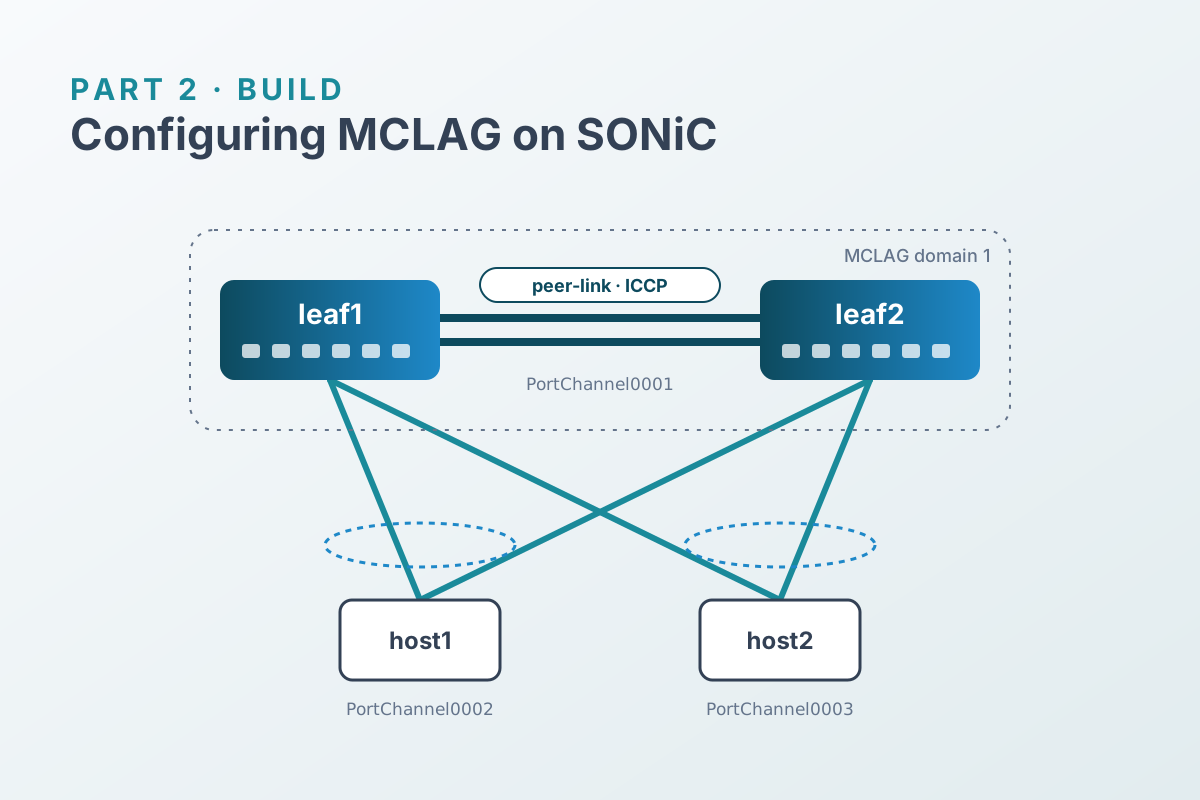

MCLAG problems almost always come down to one of a few layers: the daemon isn’t running, the peers can’t reach each other, the session is up but members don’t match, or the hosts disagree about who their LACP partner is. This post works through those layers from the bottom up, using the lab from Part 2.
iccpd isn’t running.1. Is iccpd running?#
show feature status iccpd
docker ps --filter name=iccpd
If the feature is disabled, enable it with sudo config feature state iccpd enabled. If the container keeps restarting, its logs are in syslog:
show logging | grep -i iccp | tail -202. Can the peers reach each other?#
ICCP is just TCP between source_ip and peer_ip. Check the path before checking the protocol:
# from leaf1
ping -c 3 192.168.255.2

show interfaces portchannel   # PortChannel0001 should be LACP(A)(Up)
show vlan brief               # PortChannel0001 tagged in Vlan4094
show ip interfaces | grep Vlan4094
Common causes when the ping fails:
- The peer-link port channel is down. Look at its member ports with
show interfaces status Ethernet0,Ethernet4. Ports left administratively down from the factory config are the usual culprit. Vlan4094isn’t on the peer-link, or is missing on one side.- The addresses are swapped. Each leaf’s
source_ipmust be its ownVlan4094address.
3. Is the ICCP session up?#
docker exec iccpd mclagdctl -i 1 dump stateAbridged, a healthy leaf reports something like this:
The MCLAG's keepalive is: OK
Domain id: 1
Local Ip: 192.168.255.1
Peer Ip: 192.168.255.2
Peer Link Interface: PortChannel0001
Role: Active
MCLAG Interface: PortChannel0002,PortChannel0003
What to look for:
| Field | Healthy | If not |
|---|---|---|
| keepalive | OK | Go back to step 2. You can also check the TCP session with ss -tn | grep 8888. |
| Local / Peer IP | mirror images across the two leaves | Fix config mclag on the wrong side. |
| Role | one Active, one Standby | Both the same means the session isn’t really established. |
| MCLAG Interface | identical list on both leaves | A member configured on only one leaf behaves like a normal, single-homed port channel. |
To see each member port channel’s state as iccpd sees it, locally and on the peer:
docker exec iccpd mclagdctl -i 1 dump portlist local
docker exec iccpd mclagdctl -i 1 dump portlist peer
4. What do the hosts see?#
The host is the ultimate judge, because LACP doesn’t care what the switches think is configured. On host1:
docker exec clab-simple-mclag-host1 cat /proc/net/bonding/bond0With MCLAG working, both slave interfaces report the same Aggregator ID and the same partner MAC:
Slave Interface: eth1
Aggregator ID: 1
    partner mac address: 52:54:00:aa:bb:cc

Slave Interface: eth2
Aggregator ID: 1
partner mac address: 52:54:00:aa:bb:cc5. Is traffic flowing, and are MACs synced?#
# from host1
docker exec clab-simple-mclag-host1 ping -c 3 10.10.10.102

# on each leaf
show mac
docker exec iccpd mclagdctl -i 1 dump mac
Both leaves should learn the host MACs on their local MCLAG member port channels, regardless of which link the host actually hashed traffic onto. That’s the MAC sync doing its job.
Failure drills#
A design isn’t finished until you’ve watched it fail. Run a continuous ping from host1 to host2 in one terminal:
docker exec -it clab-simple-mclag-host1 ping -i 0.2 10.10.10.102Then try each of these in another terminal and note how many replies go missing.
| Drill | Command | What to expect |
|---|---|---|
| Lose one host link | on leaf2: sudo config interface shutdown Ethernet12 | host2’s bond drops to one member; traffic continues via leaf1. |
| Lose one peer-link member | on leaf1: sudo config interface shutdown Ethernet0 | PortChannel0001 stays up on Ethernet4; ICCP stays OK. |
| Lose a whole leaf | on leaf1: sudo reboot | Hosts fail over to leaf2. Watch bond0 on both hosts and the ICCP session as leaf1 rejoins. |
Restore each drill before moving to the next. For example, sudo config interface startup Ethernet12. (Rebooting from inside the VM keeps Containerlab’s links intact. Stopping the container would tear them down.) Record the loss you measure: it’s your baseline for comparing configuration changes and SONiC releases.
Quick reference#
# daemon
show feature status iccpd
docker ps --filter name=iccpd

# peer path
ping <peer_ip>
show interfaces portchannel
show vlan brief

# session and members
docker exec iccpd mclagdctl -i 1 dump state
docker exec iccpd mclagdctl -i 1 dump portlist local
docker exec iccpd mclagdctl -i 1 dump portlist peer

# tables
docker exec iccpd mclagdctl -i 1 dump mac
docker exec iccpd mclagdctl -i 1 dump arp

# config as stored
sonic-cfggen -d --var-json MCLAG_DOMAIN
sonic-cfggen -d --var-json MCLAG_INTERFACE

# logs
show logging | grep -i iccp
That wraps up the Simple MCLAG series. The natural next step is adding a layer-3 gateway on Vlan10.